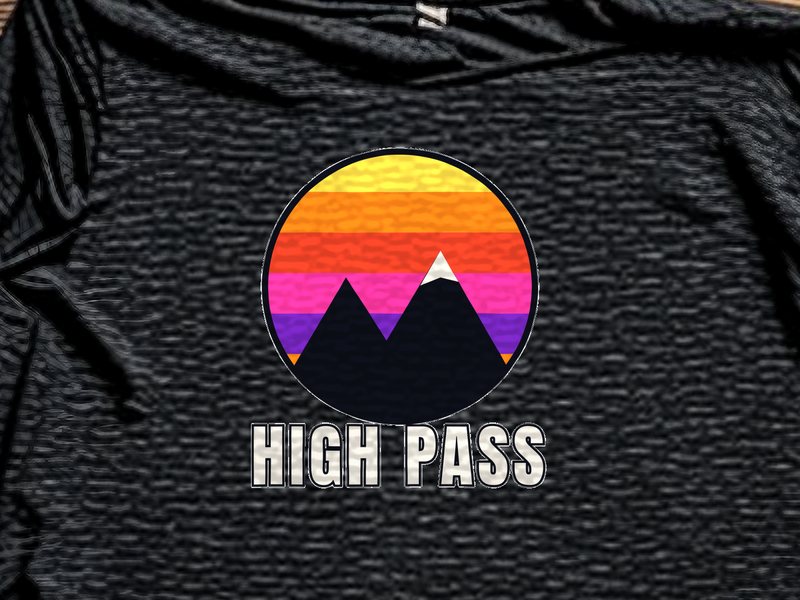
From customer file to pressed tee.
Four stops on the way to the roll, each one checked.
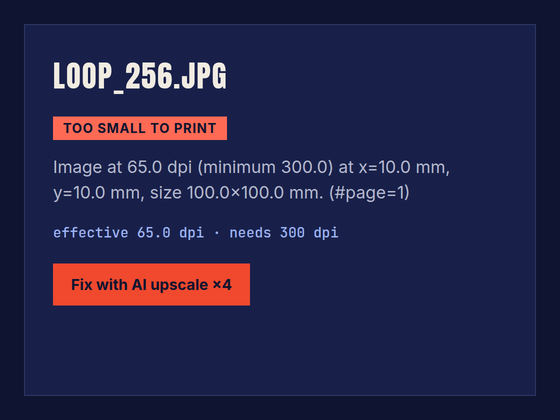
Preflight
Every file is measured at its print size. Too soft? The customer hears it before paying.
Halo fix
Semi-transparent fringes are cut before the white layer is built.
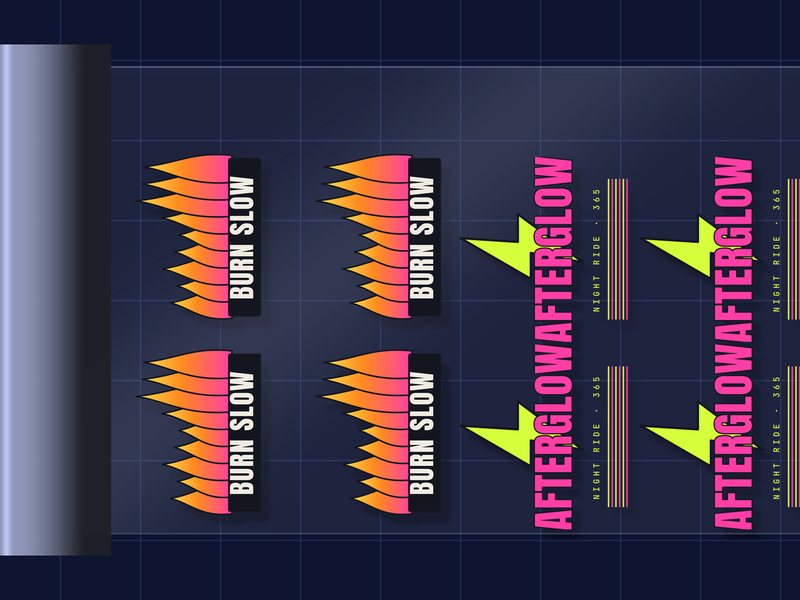
Nesting
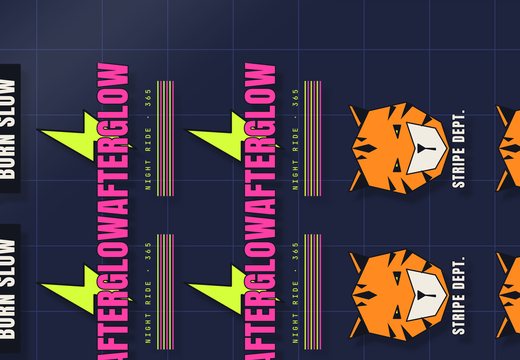
Designs rotate and pack across the roll with the gap you set.
Export
One PNG at 300 dpi with transparency. Your RIP takes it from there.
What your RIP receives
| Setting | Default |
|---|---|
| Roll width | 58 cm, or the width your printer takes |
| Resolution | 300 dpi at print size |
| Gap between designs | 3 mm, adjustable |
| File | PNG with transparency |
| Halo | Cleaned; shadows you keep stay |
Made for the press, the peel and the 2 a.m. rush.